
Cocktail menu template built from your home bar
Select the bottles and mixers you have. Garçon turns the compatible classics into a polished menu you can copy, print, or save as a PDF.
Build from the bottles you have
Choose your bar staples. The menu includes only cocktails that match every selected recipe ingredient.
What is in your bar?
Spirits
Modifiers
Mixers
Fresh and pantry
Pick a menu mood
Paper theme
Your menu
4 cocktails are ready for the menu.
4 cocktails are ready for the menu.
Choose up to six drinks
How the menu is built
- Matching
- A classic joins the menu only when your bar has every bottle and mixer its recipe calls for.
- Six drinks
- Generate puts the first six matches on the menu. Tick other matches to swap them in, keeping one to six.
- Copy and print
- Copy gives plain text: the title, the occasion, then each drink with its ingredients and service note. Print or save as PDF prints the menu alone, on its paper theme.
Frequently asked questions
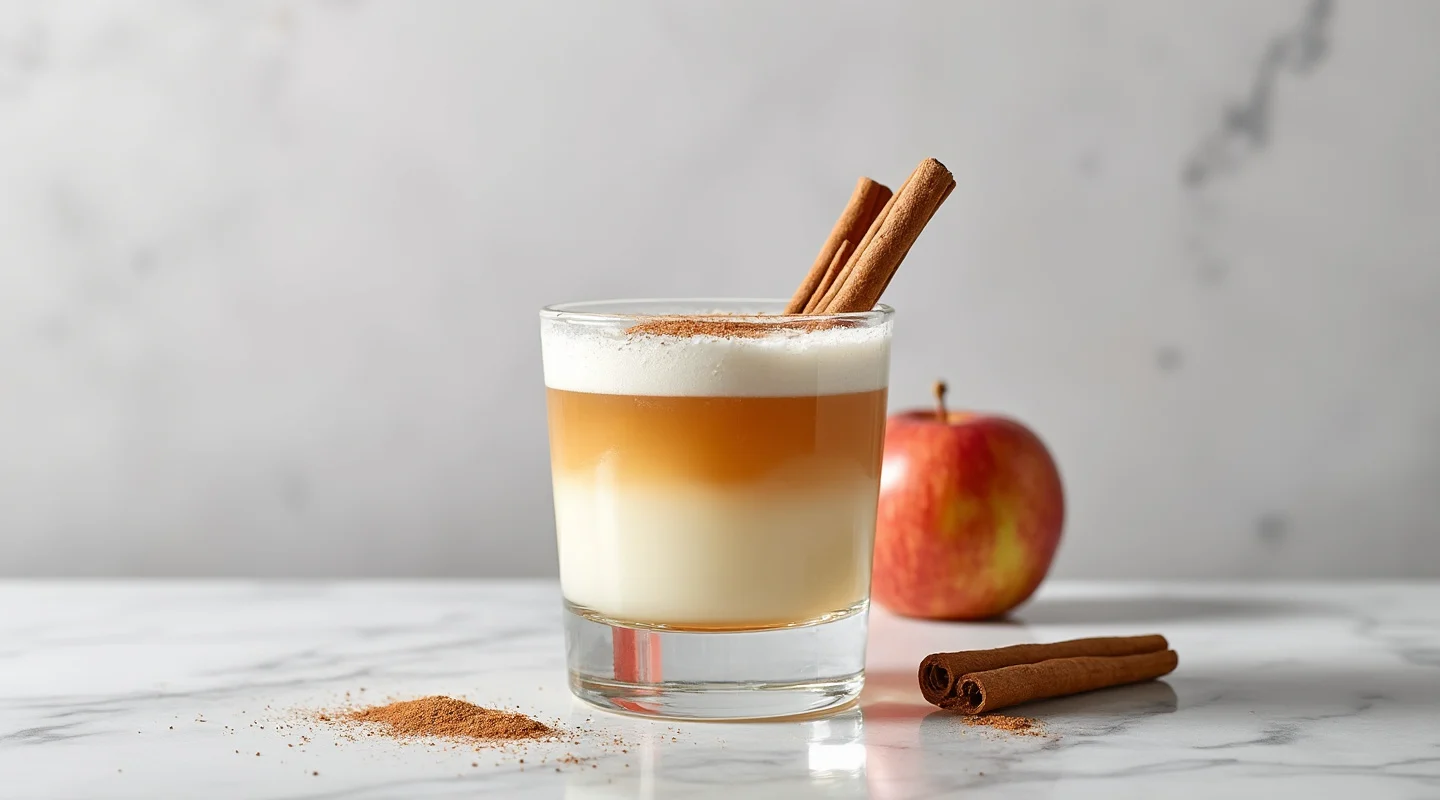
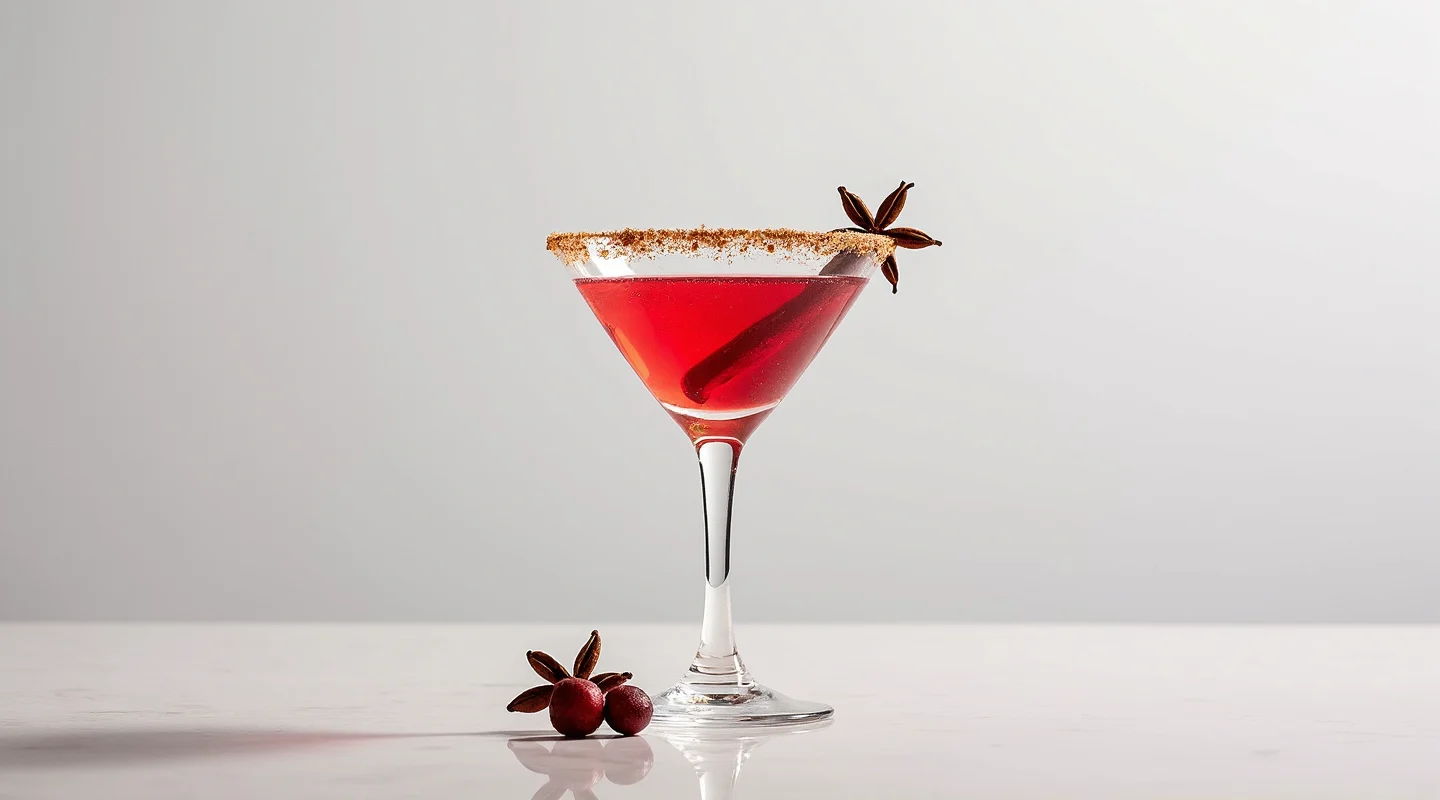
Menus to start from


More free tools
- Signature drink sign makerMake a printable bar sign for one to three signature drinks.
- Cocktail by ingredientsFind recipes that match the ingredients you already have.
- Party drink calculatorEstimate beer, wine, spirits, mixers, ice, and water.
- Drink ticket makerCreate numbered printable tickets for drink service.
- Cocktail name generatorCreate drink names from flavor, occasion, mood, and style.